Grammarly Premium vs Free: Is the 2026 Trial Worth It?
If you're someone who writes regularly—whether for work, school, or personal projects—you've probably heard of Grammarly. This popular writing assistant has become a household name, promising to transform your writing from good to great. But here's the million-dollar question: should you stick with the free version or take the plunge into Grammarly Premium?
As we move through 2026, Grammarly has continued to evolve, adding new features and refining existing ones. I've been using both versions extensively, and I'm here to give you the honest breakdown of what you're really getting with each option. Let's dive into this comprehensive comparison that might just save you time, money, and a few writing headaches.
What You Get with Grammarly Free
Let's start with the basics. Grammarly's free version isn't just a teaser—it's actually quite robust for basic writing needs. When you sign up for the free account, you get access to essential grammar and spelling checks that catch most of the obvious mistakes we all make when we're typing quickly or feeling distracted.
The free version excels at identifying common grammatical errors like subject-verb disagreements, incorrect punctuation, and those pesky spelling mistakes that autocorrect sometimes misses. I've found it particularly helpful for catching typos in emails and basic document review. It's like having a careful friend look over your shoulder, pointing out the obvious stuff you might have missed.
What really impressed me about the free version is how it handles basic sentence structure issues. It'll flag run-on sentences and suggest where you might want to add a comma or break things up for better readability. For students writing essays or professionals drafting standard business communications, this level of assistance often covers about 70% of what you need.
The interface is clean and user-friendly, working seamlessly across web browsers, Microsoft Word, and even mobile devices. The real-time suggestions appear as you type, which means you're learning and correcting simultaneously rather than going back through your entire document later.
Grammarly Premium Features That Make a Difference
Now, here's where things get interesting. Grammarly Premium takes everything from the free version and adds layers of sophistication that can genuinely transform your writing. The most noticeable upgrade is the advanced grammar checking, which goes beyond basic rules to catch subtle errors that even experienced writers miss.
The vocabulary enhancement suggestions have been a game-changer for my writing. Premium doesn't just tell you when something is wrong—it actively suggests better word choices, helps you avoid repetition, and offers alternatives that can make your writing more engaging and precise. I've noticed my writing becoming more varied and dynamic since I started using these suggestions regularly.
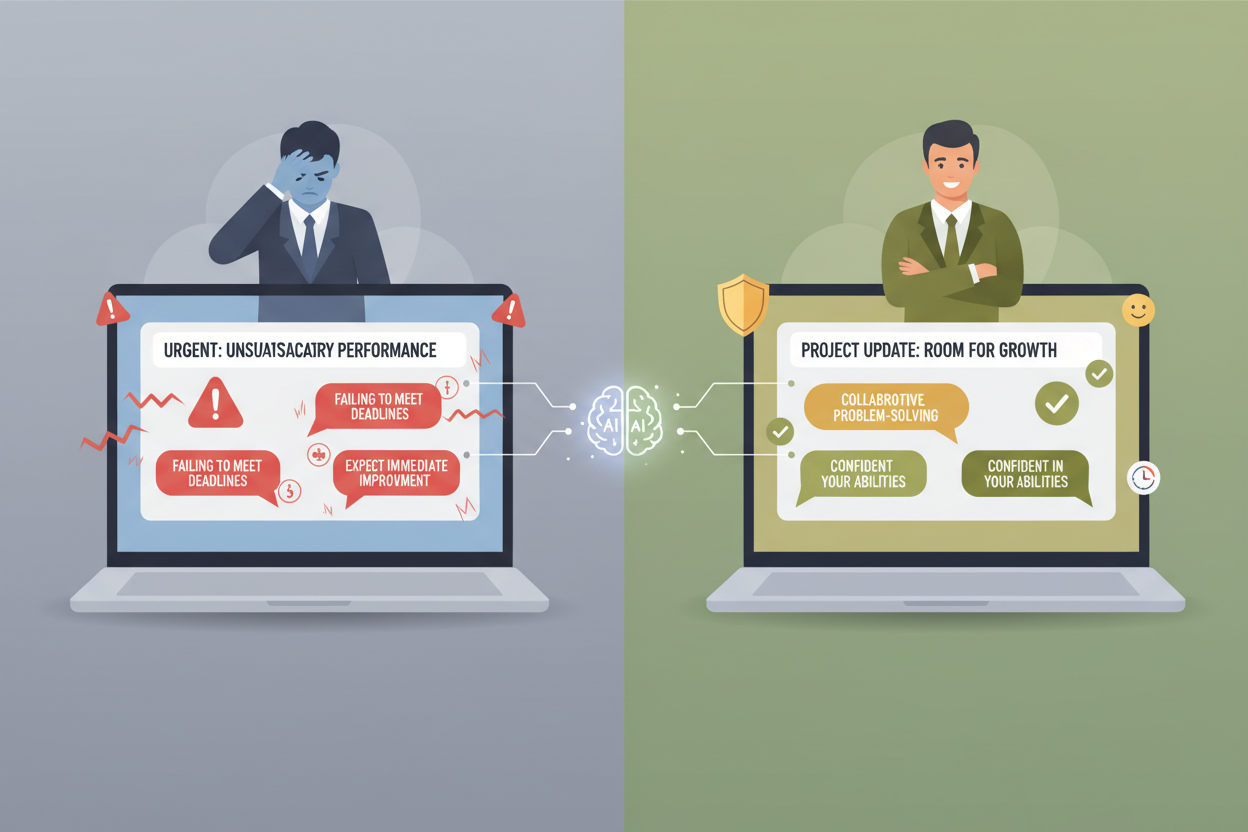
One feature that's particularly valuable is the tone detection and adjustment suggestions. In 2026, with remote work and digital communication being more critical than ever, getting your tone right in emails and documents can make or break professional relationships. Premium analyzes your writing and tells you whether you're coming across as confident, friendly, urgent, or perhaps too casual for the context.
The plagiarism checker is another premium feature that's worth its weight in gold, especially for students and content creators. It scans your text against billions of web pages and academic papers, giving you peace of mind that your work is original. I've seen this feature save people from unintentional plagiarism more times than I can count.
Advanced Writing Insights and Analytics
What sets Grammarly Premium apart in 2026 is its sophisticated analytics dashboard. This isn't just about fixing errors—it's about understanding your writing patterns and improving over time. The weekly performance reports show you trends in your writing, highlighting areas where you're improving and others that might need attention.
The readability scores have become incredibly nuanced, providing insights into how accessible your writing is to different audiences. Whether you're writing for executives, general consumers, or technical specialists, Premium helps you adjust your complexity level accordingly. This feature has been particularly valuable for marketing professionals and content creators who need to adapt their writing style for different platforms and audiences.
Genre-specific writing suggestions represent another significant advancement. Premium now recognizes whether you're writing an academic paper, business proposal, creative piece, or casual email, and adjusts its suggestions accordingly. The same sentence might be perfectly appropriate in a blog post but too informal for a research paper, and Premium understands these contextual differences.
Cost Analysis: Breaking Down the Investment
Let's talk numbers, because ultimately, this decision comes down to value. As of 2026, Grammarly Premium typically costs around $12 per month when paid annually, or about $30 if you pay monthly. For many people, that annual fee of roughly $144 feels substantial, especially when the free version handles basic needs.
However, I've found it helpful to think about this cost in context. If you're a professional writer, the time saved on editing and the improvement in writing quality can easily justify the expense. For students, the plagiarism checker alone might save you from academic consequences that could cost far more than the subscription fee.
The 2026 trial period has been extended to 14 days, giving you more time to test the premium features in real-world scenarios. This is crucial because you need time to see how the advanced features integrate into your actual writing workflow, not just play around with them for a day or two.
Consider your writing volume and stakes. If you write professionally, send important emails daily, or are working on significant academic projects, the premium features often pay for themselves through improved communication effectiveness and time savings.
Who Should Upgrade to Premium
After extensive testing, I've identified several types of users who benefit most from Grammarly Premium. Professional writers and content creators see immediate value from the advanced style suggestions and plagiarism checking. The ability to maintain consistent tone and avoid repetitive language becomes crucial when you're producing large volumes of content.
Students, particularly those in graduate programs or working on thesis projects, find the advanced grammar checking and plagiarism detection invaluable. The academic writing suggestions help maintain the formal tone required for scholarly work while ensuring originality.
Business professionals who regularly communicate with clients, stakeholders, or team members benefit enormously from the tone analysis features. In our increasingly digital workplace, the ability to ensure your emails strike the right tone can significantly impact professional relationships and career advancement.
Non-native English speakers often see the most dramatic improvement with Premium. The advanced suggestions help bridge gaps in idiomatic usage and cultural communication norms that basic grammar checking might miss.
When Free Might Be Enough
Honestly, not everyone needs Premium, and there's no shame in sticking with the free version if it meets your needs. Casual writers who primarily use Grammarly for personal emails, social media posts, or occasional documents often find the free version perfectly adequate.
If your writing is primarily informal and you're comfortable with basic grammar and spelling checking, the free version handles these tasks excellently. Students in introductory courses or professionals who write infrequently might not see enough benefit to justify the premium cost.
The free version also works well for people who are just starting to focus on improving their writing. It provides a solid foundation of error correction without overwhelming users with advanced suggestions they might not be ready to implement effectively.
Making Your Decision: Trial Strategy
If you're considering the upgrade, approach the trial strategically. Don't just test Premium with random writing—use it for the actual work you do daily. Send your important emails through it, work on your current projects, and pay attention to suggestions you wouldn't have received with the free version.
Keep track of specific improvements you notice during the trial period. Are your emails getting better responses? Does your writing feel more confident and clear? Are you catching errors you typically miss? These practical improvements matter more than feature lists.
Consider timing your trial when you have significant writing projects. If you're working on a important presentation, academic paper, or content campaign, the trial period becomes a real-world test of Premium's value for your specific needs.
The Bottom Line
After using both versions extensively throughout 2026, I believe Grammarly Premium is worth the investment for anyone who writes professionally or academically on a regular basis. The advanced features genuinely improve writing quality in ways that can impact career success, academic performance, and communication effectiveness.
However, the free version remains an excellent tool for casual users and those just beginning their writing improvement journey. The key is honest self-assessment: consider your writing frequency, the stakes involved in your communication, and whether the premium features address real problems you face.
The 2026 trial offers enough time to make an informed decision, so take advantage of it. Test Premium with your actual writing needs, not just sample documents. Pay attention to which features you use most and whether they create measurable improvements in your work.
Ultimately, both versions of Grammarly offer value—it's just a matter of matching the right level of functionality to your specific needs and budget. Whether you choose free or premium, you're investing in better communication, and that's always worthwhile.
0 Response to "Grammarly Premium vs Free: Is the 2026 Trial Worth It?"
Post a Comment