10 Ways to Maximize Your Canva Pro Free Trial Experience
Getting your hands on a Canva Pro free trial feels like being handed the keys to a creative kingdom. I remember when I first activated mine – suddenly, I had access to millions of premium images, advanced design features, and templates that made my content look professionally crafted overnight. But here's the thing: with great power comes great responsibility, and with a limited trial period, you need to make every day count.
Whether you're a small business owner, content creator, or someone who just wants to elevate their design game, maximizing your Canva Pro trial experience requires strategic planning and smart execution. The difference between users who get overwhelmed and those who transform their creative workflow lies in knowing exactly what to prioritize during those precious trial days.

In this comprehensive guide, I'll walk you through ten proven strategies that will help you squeeze every ounce of value from your Canva Pro free trial. These aren't just random tips – they're battle-tested approaches that I've refined through my own experience and by helping others navigate their creative journeys.
1. Start with a Clear Content Audit and Planning Session
Before diving headfirst into Canva Pro's treasure trove of features, take a step back and assess your current design needs. This initial planning phase might feel like you're wasting precious trial time, but trust me – it's the foundation that will make everything else exponentially more effective.
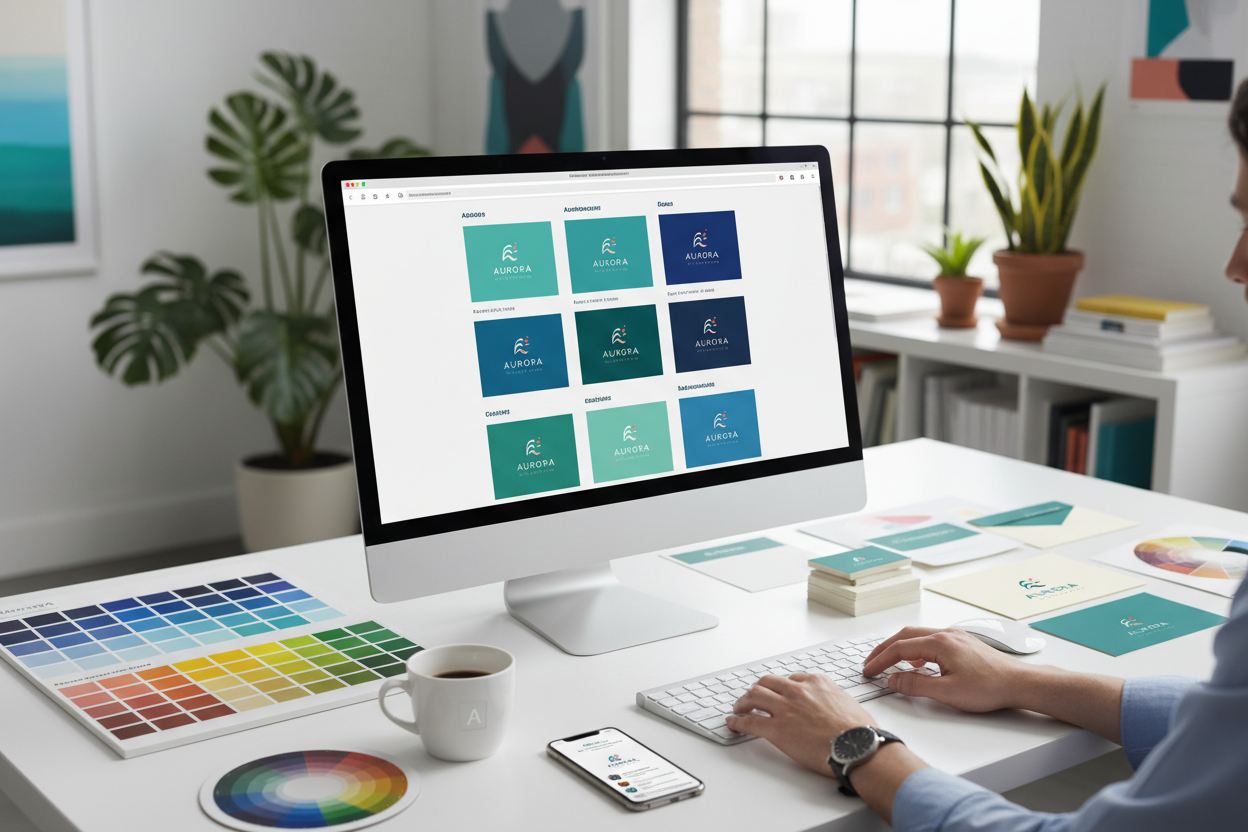
Create a comprehensive list of all the design projects you've been putting off or struggling with using the free version. Maybe you need social media templates for the next three months, a complete brand identity overhaul, or marketing materials for an upcoming product launch. Whatever it is, write it down and prioritize based on urgency and impact.
I recommend spending your first day creating what I call a "design roadmap." This should include specific deliverables, deadlines, and the Canva Pro features you'll need for each project. This strategic approach prevents you from getting distracted by shiny new features and ensures you're working toward concrete goals that will benefit your business or personal projects long after the trial ends.
2. Master the Brand Kit Feature for Consistent Visual Identity
One of Canva Pro's most game-changing features is the Brand Kit, and honestly, it's worth the subscription price alone. This feature allows you to upload your logo, define brand colors, and set custom fonts that automatically appear across all your designs. The time-saving potential here is enormous, especially if you're creating content regularly.
During your trial, invest time in setting up a comprehensive Brand Kit. Upload multiple logo variations – horizontal, vertical, and icon versions – so you'll have options for different design layouts. Define your primary and secondary color palettes, including hex codes for perfect consistency. If you don't have established brand colors yet, use this opportunity to experiment and settle on a palette that resonates with your audience.
The magic happens when you start creating designs with your Brand Kit in place. Every template suggestion will automatically incorporate your brand elements, making it incredibly easy to maintain visual consistency across all your marketing materials. This professional cohesion is something that typically requires expensive design software or hiring a graphic designer.
3. Explore and Download Premium Templates Strategically
Canva Pro unlocks access to hundreds of thousands of premium templates that aren't available in the free version. However, the key word here is "strategically." Don't fall into the trap of downloading every beautiful template you see – instead, focus on versatile designs that you can adapt for multiple purposes.
Look for template families or series that share similar design elements. For instance, if you find a social media template you love, check if there are matching presentations, flyers, or business card designs in the same style. This approach ensures visual consistency across all your marketing touchpoints while maximizing the value of each download.
Create folders to organize your saved templates by category – social media, presentations, marketing materials, and so on. This organization system will serve you well beyond the trial period, making it easy to locate and reuse designs when you need them most.
4. Build a Comprehensive Content Library
Think of your Canva Pro trial as an opportunity to build a substantial content library that will serve you for months to come. This means being strategic about downloading and saving premium elements – photos, illustrations, icons, and graphics – that align with your brand and content needs.
Focus on versatile assets that you can use across multiple projects. Stock photos with neutral backgrounds are particularly valuable because they can be easily integrated into various designs. Similarly, icon sets and illustration collections that match your brand aesthetic will provide consistent visual elements for future projects.
Don't forget about Canva's extensive video and audio library if your content strategy includes video creation. Download background music tracks, video templates, and motion graphics that could enhance your future video projects. Remember, you're not just using Canva Pro for immediate needs – you're investing in resources that will continue providing value long after your trial expires.
5. Experiment with Advanced Design Features
Canva Pro offers sophisticated design capabilities that rival professional design software, but many users never fully explore these features during their trial. This is a missed opportunity to discover tools that could revolutionize your design workflow and justify the ongoing subscription cost.
Spend dedicated time experimenting with the Background Remover tool, which uses AI to automatically remove backgrounds from images. This feature alone can save hours of work and eliminate the need for additional photo editing software. Test the Magic Resize function, which automatically adapts your designs for different platforms and formats – a huge time-saver for social media managers and content creators.
Explore the animation features to add motion to your designs. Even simple animations can significantly increase engagement on social media platforms. The key is to experiment with these advanced features on real projects, not just random test designs, so you can truly understand their practical value for your specific needs.
6. Create and Save Custom Templates
One of the smartest ways to maximize your Canva Pro trial is by creating custom templates that you'll use repeatedly. These might include social media post layouts, email header designs, presentation slides, or any other formats you use regularly in your work or personal projects.
The process is straightforward but requires thoughtful planning. Design templates with placeholder text and images that you can easily swap out for different content. Consider creating multiple variations of each template – perhaps different color schemes or layouts – to give yourself options when creating future content.
Pay special attention to sizing and spacing when creating these templates. Ensure that text areas are appropriately sized for different amounts of content, and that design elements are positioned to accommodate various types of images or graphics. Well-designed custom templates can dramatically speed up your content creation process and maintain consistency across all your materials.
7. Collaborate and Share with Team Members
If you work with others – whether it's a business partner, team members, or freelance collaborators – use your Canva Pro trial to explore the platform's collaboration features. These tools can transform how your team approaches design projects and may justify the subscription cost through improved efficiency alone.
Invite team members to collaborate on designs in real-time, leave comments and feedback directly on design elements, and maintain version control through Canva's sharing features. Test the approval workflow system if you're in an environment where designs need to be reviewed and approved before publication.
Document how these collaboration features could streamline your team's workflow. Calculate the time savings and improved communication that could result from having everyone work within the same design platform. This analysis will be valuable when deciding whether to continue with a paid subscription after your trial ends.
8. Integrate Canva Pro with Your Existing Workflow
The true test of any tool is how well it integrates with your existing systems and processes. During your trial period, actively work to incorporate Canva Pro into your regular workflow rather than treating it as a separate, additional tool.
Explore Canva's integrations with other platforms you use regularly. Connect your social media accounts to publish directly from Canva, integrate with cloud storage services like Google Drive or Dropbox, and test any relevant third-party app connections. The goal is to create a seamless workflow where Canva Pro becomes a natural part of your content creation process.
Pay attention to how Canva Pro affects your overall productivity. Are you creating content faster? Is the quality of your designs improving? Are you spending less time on repetitive design tasks? These observations will help you make an informed decision about continuing with a paid subscription.
9. Learn Through Canva's Educational Resources
Canva offers extensive educational resources, including tutorials, design courses, and best practice guides. Your trial period is the perfect time to invest in learning these skills while you have access to all the premium features needed to follow along with advanced tutorials.
Focus on learning techniques that will have the biggest impact on your specific design needs. If you're creating social media content, dive deep into courses about engagement-driving design principles. If you're working on business presentations, focus on tutorials about visual storytelling and professional design aesthetics.
The knowledge you gain during your trial will continue to benefit you regardless of whether you maintain a paid subscription. Strong design principles and techniques are transferable skills that will improve all your future creative work.
10. Document Your Experience and Calculate ROI
Throughout your trial, maintain detailed notes about your experience with Canva Pro. Track the time you save on design tasks, the quality improvements in your content, and any positive feedback you receive on designs created with premium features.
Calculate the monetary value of these benefits. If Canva Pro saves you two hours per week on design tasks, what's that time worth at your hourly rate? If improved design quality leads to better engagement or more clients, how does that translate to revenue? This analysis will provide concrete data to support your decision about continuing with a paid subscription.
Also document any challenges or limitations you encounter. No tool is perfect, and understanding Canva Pro's constraints will help you make a realistic assessment of its value for your specific needs.
Making the Most of Every Trial Day
Your Canva Pro free trial is more than just a chance to play with premium features – it's an opportunity to transform your approach to design and content creation. The strategies outlined in this guide will help you extract maximum value from every day of your trial period while building a foundation for long-term creative success.
Remember that the goal isn't just to use as many features as possible, but to discover how Canva Pro can genuinely improve your workflow, enhance your content quality, and support your business or personal goals. Approach your trial with intention, document your experience thoroughly, and focus on creating real value that extends far beyond the trial period.
Whether you decide to continue with a paid subscription or return to the free version, the skills you develop and the content you create during your trial will continue serving you well. The key is to approach this opportunity strategically, stay focused on your specific needs, and make every day of your trial count toward building a more effective and efficient creative process.
0 Response to "10 Ways to Maximize Your Canva Pro Free Trial Experience"
Post a Comment