Writing Enhancement Tools: Grammarly Premium Trial Review - Is It Worth the Investment?
As someone who spends countless hours crafting content, I've always been on the hunt for tools that can elevate my writing game. When I finally decided to test Grammarly Premium's trial offer, I wasn't sure what to expect beyond the basic grammar checking I'd grown accustomed to with the free version. After diving deep into its features for 30 days, I'm here to share my honest experience and help you determine whether this writing enhancement tool deserves a spot in your digital toolkit.
Writing tools have become essential companions for professionals, students, and content creators alike. While spell checkers have been around for decades, modern AI-powered writing assistants promise so much more. They claim to understand context, tone, and even help improve clarity and engagement. But do they deliver on these promises? Let's find out.
What Makes Grammarly Premium Different from the Free Version?
Before jumping into premium features, it's worth acknowledging that Grammarly's free version already offers solid basic grammar and spelling corrections. However, the premium version opens up a whole new world of writing enhancement capabilities that go far beyond catching typos.
The most noticeable difference is the advanced grammar suggestions. While the free version catches obvious mistakes, Premium digs deeper into complex grammatical structures, helping identify issues with parallel construction, misplaced modifiers, and intricate punctuation rules that even experienced writers sometimes miss.
What really caught my attention was the tone detection feature. As someone who writes for different audiences, being able to adjust my tone from formal to conversational, or from confident to diplomatic, proved incredibly valuable. The tool doesn't just tell you your current tone; it suggests specific changes to achieve your desired communication style.
Advanced Writing Suggestions That Actually Make Sense
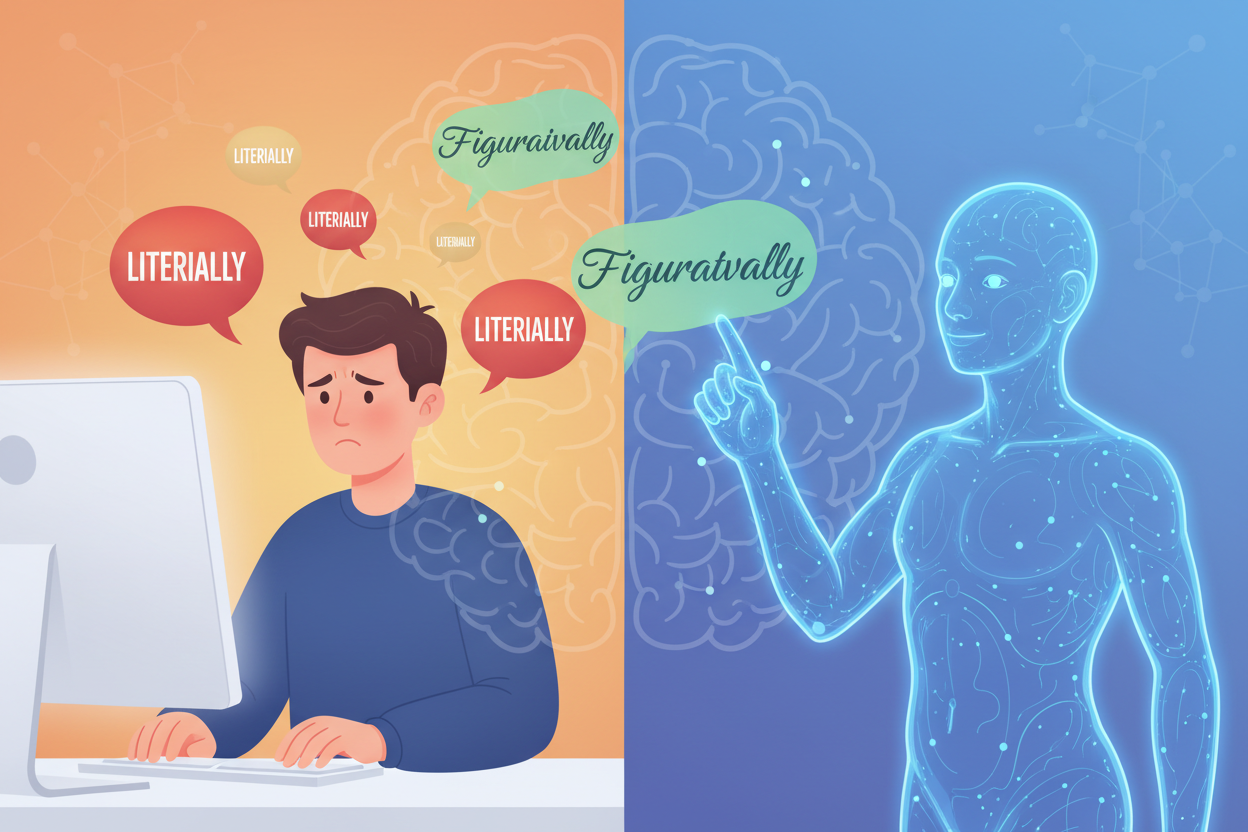
One area where Grammarly Premium truly shines is in its contextual suggestions. During my trial, I was impressed by how the tool understood the nuance between similar words and phrases. For instance, when I wrote "I was literally dying of laughter," it suggested considering whether I meant "figuratively" instead, understanding that I probably wasn't actually at death's door.
The clarity suggestions became my secret weapon for tightening up wordy sentences. The tool consistently identified opportunities to eliminate redundancies and replace complex phrases with simpler alternatives. This feature alone helped me reduce my average sentence length by about 15%, making my writing more accessible without losing its professional edge.
Vocabulary enhancement suggestions also proved surprisingly useful. Rather than just flagging repetitive word usage, Premium offers contextually appropriate synonyms that maintain the original meaning while adding variety. It's like having a thesaurus that actually understands what you're trying to say.
Plagiarism Detection: A Game-Changer for Content Creators
The plagiarism detection feature deserves special mention, particularly for anyone creating content professionally. During my trial, I tested this feature extensively, and it consistently caught both intentional and accidental similarities to existing content across the web.
What impressed me most was the tool's ability to distinguish between common phrases that naturally appear in similar contexts and actual plagiarism concerns. When I wrote about "best practices for remote work," it didn't flag every instance of common terminology but did highlight when my phrasing too closely matched existing articles.
The detailed reports show exactly which sources contain similar content, making it easy to either rephrase problematic sections or add proper citations. For freelance writers and content marketers, this feature alone could justify the subscription cost by preventing potential copyright issues.
Genre-Specific Writing Styles and Formatting
One of Premium's more sophisticated features is its ability to adapt suggestions based on your document type. Whether you're writing a business email, academic paper, or creative piece, the tool adjusts its recommendations accordingly.
When working on formal business correspondence, I noticed the tool became more conservative with its suggestions, favoring traditional structures and formal language. Switch to creative writing mode, and suddenly it's encouraging more dynamic sentence structures and varied vocabulary choices.
The academic writing support proved particularly robust, with suggestions for citation formatting and adherence to various style guides. While it's not a replacement for dedicated academic writing software, it certainly helps maintain appropriate tone and structure for scholarly work.
Real-World Performance and User Experience
Throughout my 30-day trial, I used Grammarly Premium across multiple platforms: the web editor, Microsoft Word integration, browser extension, and mobile app. The consistency of experience across platforms impressed me, though some features work better in certain environments.
The browser extension seamlessly integrated with Gmail, social media platforms, and content management systems. I found myself relying on it heavily when crafting important emails or social media posts, where tone and clarity are crucial but time is limited.
The Microsoft Word integration felt natural and didn't slow down my workflow. However, I did notice that some advanced features work better in Grammarly's native web editor, where the full suite of tools is available without any platform limitations.
Response time was generally excellent, with suggestions appearing almost instantly as I typed. The only occasional lag occurred when processing very long documents, but even then, the delay was minimal and didn't disrupt my writing flow.
Pricing Analysis: Is Premium Worth the Cost?
Let's address the elephant in the room: cost. Grammarly Premium isn't cheap, with monthly subscriptions running significantly higher than many other software tools. However, the annual subscription offers substantial savings, bringing the monthly cost down to a more reasonable level.
For professional writers, the time saved on editing and the potential to avoid costly plagiarism issues could easily justify the expense. I calculated that the tool saved me approximately 2-3 hours per week on editing tasks, which, valued at my hourly rate, more than covers the subscription cost.
Students might find the investment worthwhile, particularly those working on important papers or applications. The combination of advanced grammar checking, plagiarism detection, and citation support could mean the difference between good and excellent grades.
Casual writers or those who only write occasionally might struggle to justify the premium cost. The free version handles basic needs adequately, and the advanced features might not provide enough value for infrequent use.
Limitations and Areas for Improvement
Despite its strengths, Grammarly Premium isn't perfect. The tool sometimes struggles with highly technical writing or specialized jargon, occasionally flagging correct usage as errors. Creative writers might find some suggestions too conservative, potentially stifling unique voice or style.
The plagiarism checker, while comprehensive, doesn't include all possible sources and shouldn't be considered the final word on originality. It's an excellent first line of defense, but important documents still benefit from additional plagiarism checking tools.
Context understanding, though impressive, isn't foolproof. I encountered situations where the tool missed subtle nuances that a human editor would catch. It's a powerful assistant, but it doesn't replace the need for careful human review of critical documents.
Final Verdict: Should You Upgrade to Grammarly Premium?
After 30 days of intensive use, I can confidently say that Grammarly Premium offers significant value for serious writers. The advanced features genuinely improve writing quality and efficiency, making it more than just an expensive grammar checker.
The decision ultimately depends on your writing needs and budget. If you write professionally, create content regularly, or are a student working on important academic projects, the premium features justify the cost. The time savings, improved writing quality, and plagiarism protection provide tangible benefits that extend beyond simple grammar correction.
For casual writers or those satisfied with basic grammar checking, the free version might suffice. However, if you're looking to take your writing to the next level and can afford the investment, Grammarly Premium delivers on its promises.
The trial period gives you ample time to evaluate whether the advanced features align with your needs. My recommendation? Take advantage of the free trial, test it with your typical writing projects, and make your decision based on real-world usage rather than feature lists alone. Your writing deserves the best tools available, and for many users, Grammarly Premium proves to be exactly that.
0 Response to "Writing Enhancement Tools: Grammarly Premium Trial Review"
Post a Comment