Digital Marketing Assets: How to Create Professional Designs with Canva Pro Free Trial
In today's digital landscape, visual content reigns supreme. Whether you're a small business owner, freelancer, or marketing professional, creating eye-catching graphics has become essential for success. The challenge? Professional design software can be expensive and complex. That's where Canva Pro steps in, offering powerful design capabilities that rival expensive alternatives. Even better, you can explore all these features through their generous free trial period.
If you've been hesitating to invest in premium design tools, Canva Pro's free trial presents the perfect opportunity to elevate your digital marketing game without immediate financial commitment. Let's dive into how you can maximize this trial to create stunning marketing assets that drive engagement and conversions.
Understanding Canva Pro: Beyond the Basic Version
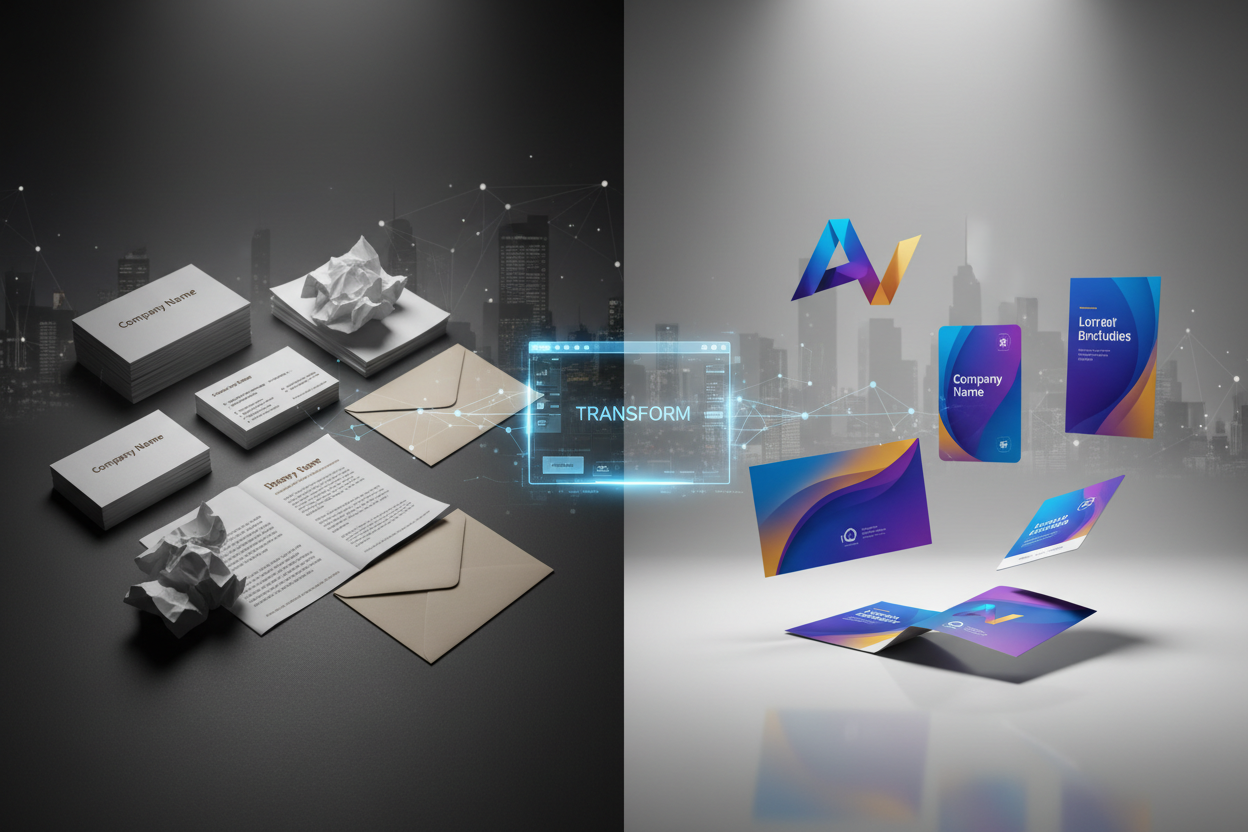
While Canva's free version offers impressive functionality, Canva Pro unlocks a treasure trove of advanced features that can transform your marketing efforts. The premium version includes access to over 100 million premium photos, videos, and graphics, plus exclusive fonts, templates, and design elements that aren't available in the free tier.
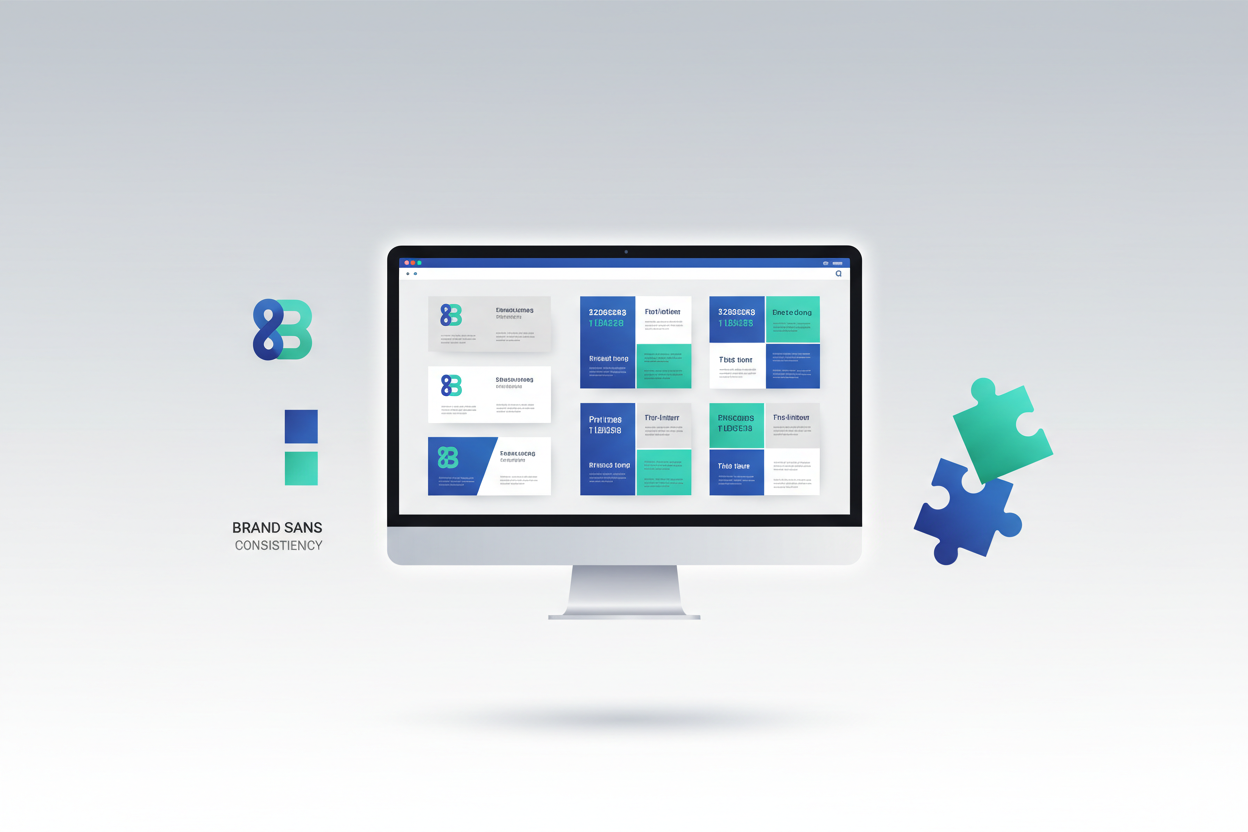
What sets Canva Pro apart is its brand kit functionality, which allows you to maintain consistent branding across all your marketing materials. You can upload your logo, set brand colors, and choose custom fonts that automatically appear in all your designs. This consistency is crucial for building brand recognition and trust with your audience.
The magic resize feature alone makes the upgrade worthwhile. Imagine creating a social media post for Instagram and instantly adapting it for Facebook, LinkedIn, or Pinterest with just one click. This time-saving feature eliminates the tedious process of recreating designs for different platforms.
Getting Started with Your Canva Pro Free Trial
Starting your Canva Pro journey is straightforward, but there are strategic ways to maximize your trial period. First, sign up during a time when you can dedicate focused attention to exploring the platform's capabilities. The trial typically lasts 30 days, which provides ample time to create a substantial library of marketing assets.
Before diving into design creation, spend your first day setting up your brand kit. Upload your logo in various formats, input your brand colors using hex codes for precision, and select fonts that align with your brand personality. This initial setup will streamline all future design work and ensure consistency across your marketing materials.
Create a content calendar for your trial period. Plan out the types of marketing assets you need most urgently – social media posts, email headers, blog graphics, or presentation slides. Having a clear roadmap prevents you from feeling overwhelmed by the platform's extensive capabilities and ensures you create materials that directly support your marketing goals.
Essential Digital Marketing Assets to Create During Your Trial
Your Canva Pro trial period is the perfect time to build a comprehensive library of marketing assets. Start with social media templates that you can easily customize for future campaigns. Create templates for different post types: promotional posts, quote graphics, behind-the-scenes content, and educational carousel posts.
Email marketing graphics deserve special attention during your trial. Design professional email headers, newsletter templates, and promotional banners that align with your brand aesthetic. These assets will serve you well beyond the trial period and can significantly improve your email engagement rates.
Don't overlook presentation materials. Whether you're pitching to clients, presenting to your team, or speaking at industry events, having professional slide templates ready can make a substantial difference in how your message is received. Canva Pro's presentation features rival traditional software like PowerPoint while offering more creative flexibility.
Website graphics and blog assets are equally important. Create featured image templates for blog posts, social proof graphics showcasing testimonials, and call-to-action buttons that maintain your brand consistency. These elements contribute to a cohesive online presence that builds credibility with your audience.
Advanced Features That Maximize Your Marketing Impact
Canva Pro's animation features can breathe life into your static designs. During your trial, experiment with subtle animations for social media posts or eye-catching animated logos for video content. These dynamic elements can significantly increase engagement rates compared to static images.
The background remover tool is particularly valuable for product-based businesses. You can easily remove backgrounds from product photos and place them on branded backgrounds, creating professional-looking marketing materials without expensive photography sessions. This feature alone can save hundreds of dollars in design costs.
Video editing capabilities within Canva Pro open up new marketing possibilities. Create short promotional videos, animated social media stories, or video thumbnails that capture attention in crowded social feeds. The platform's video templates provide professional starting points that you can customize to match your brand.
Team collaboration features become essential as your business grows. During your trial, invite team members to collaborate on designs, leave comments, and maintain brand consistency across all marketing materials. This collaborative approach ensures everyone creates on-brand content, regardless of their design experience.
Organizing and Managing Your Design Assets
Effective organization during your trial period sets you up for long-term success. Create folders for different types of content: social media, email marketing, presentations, and web graphics. This systematic approach makes it easy to locate and reuse designs later.
Take advantage of Canva Pro's ability to save custom templates. When you create a design you're particularly happy with, save it as a template for future use. This practice builds a personalized template library that reflects your unique brand style and saves time on future projects.
Document your design process and brand guidelines during the trial. Note which fonts, colors, and design elements work best for your brand. This documentation becomes invaluable whether you continue with Canva Pro or need to recreate your brand aesthetic elsewhere.
Measuring the ROI of Your Canva Pro Investment
As your trial period progresses, track the impact of your improved visual content. Monitor engagement rates on social media posts created with Canva Pro compared to previous graphics. Pay attention to email open rates and click-through rates for campaigns featuring your new professional designs.
Calculate the time savings compared to your previous design process. If Canva Pro reduces your design time by even a few hours per week, that time can be redirected to other revenue-generating activities. For many professionals, this time savings alone justifies the subscription cost.
Consider the cost comparison with alternative solutions. Professional design software subscriptions, stock photo purchases, and freelance designer fees can quickly exceed Canva Pro's affordable monthly rate. During your trial, keep track of resources you would have otherwise needed to purchase.
Making the Most of Premium Stock Assets
Canva Pro's extensive library of premium photos, illustrations, and graphics represents significant value. During your trial, download and organize high-quality images that align with your brand aesthetic. These assets can be used in future marketing campaigns, even if you don't continue with the premium subscription.
Explore the platform's video and audio libraries as well. High-quality background music and sound effects can elevate your video content and create more engaging social media posts. The premium audio library includes tracks that would typically require separate licensing fees.
Take advantage of seasonal and trending graphics during your trial period. Download holiday-themed elements, current design trends, and timeless graphics that will remain relevant throughout the year. Building this asset library during your trial provides ongoing value for your marketing efforts.
Transitioning Beyond Your Free Trial
As your trial period concludes, evaluate whether Canva Pro has become an integral part of your marketing workflow. Consider factors beyond just the features – think about the time saved, the professional appearance of your marketing materials, and the positive response from your audience.
If you decide to continue with Canva Pro, you'll retain access to all the designs and assets created during your trial. This seamless transition ensures no disruption to your marketing activities. However, if you choose not to continue, you'll still have learned valuable design principles and created a library of marketing assets.
Remember that the skills and design sense you develop during your Canva Pro trial transfer to other design platforms and tools. The experience of creating professional marketing materials builds your overall marketing capabilities, regardless of which tools you ultimately choose to use.
Conclusion: Transforming Your Digital Marketing with Strategic Design
Your Canva Pro free trial represents more than just access to premium design tools – it's an opportunity to transform how your audience perceives your brand. Professional, consistent visual content builds trust, increases engagement, and ultimately drives business results.
The key to maximizing your trial lies in approaching it strategically. Set up your brand kit early, create a diverse library of marketing assets, and document your processes for future reference. Whether you continue with Canva Pro or not, the experience will elevate your understanding of effective visual marketing.
In today's competitive digital landscape, professional visual content isn't optional – it's essential. Your Canva Pro trial provides the perfect opportunity to discover how powerful design tools can amplify your marketing message and help your business stand out from the crowd. Take advantage of this opportunity to create marketing assets that truly represent the quality and professionalism of your brand.
0 Response to "Digital Marketing Assets: Canva Pro Free Trial Creation"
Post a Comment