Professional Video Editing: CapCut Pro Trial Masterclass
Video editing has evolved from a specialized skill reserved for Hollywood professionals to an essential tool for content creators, marketers, and everyday storytellers. With the rise of social media platforms and the democratization of video content, finding the right editing software that balances professional features with user-friendly interfaces has become crucial. Enter CapCut Pro, a powerful video editing platform that's been making waves in the creative community.
Whether you're a seasoned video editor looking to expand your toolkit or a complete beginner ready to dive into the world of professional video production, understanding what CapCut Pro offers during its trial period can be the key to unlocking your creative potential. This comprehensive masterclass will walk you through everything you need to know about maximizing your CapCut Pro trial experience.
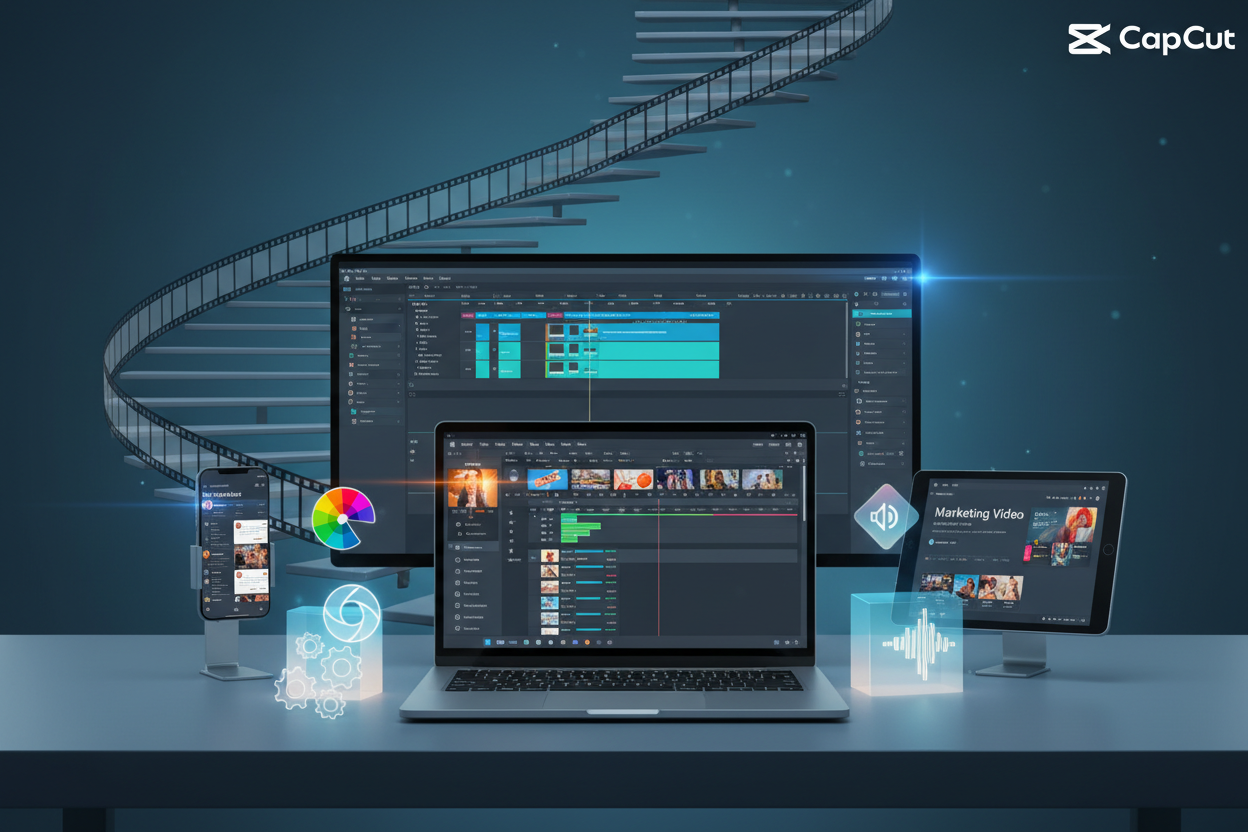
What Makes CapCut Pro Stand Out in the Video Editing Landscape
The video editing market is saturated with options, from basic smartphone apps to industry-standard software that costs thousands of dollars. CapCut Pro positions itself uniquely in this ecosystem by offering professional-grade features without the intimidating learning curve that often accompanies advanced editing software.
What sets CapCut Pro apart is its intelligent approach to video editing. The platform combines artificial intelligence with traditional editing tools, creating an environment where both beginners and professionals can achieve stunning results. The software recognizes that modern content creators need speed without sacrificing quality, and it delivers on both fronts.
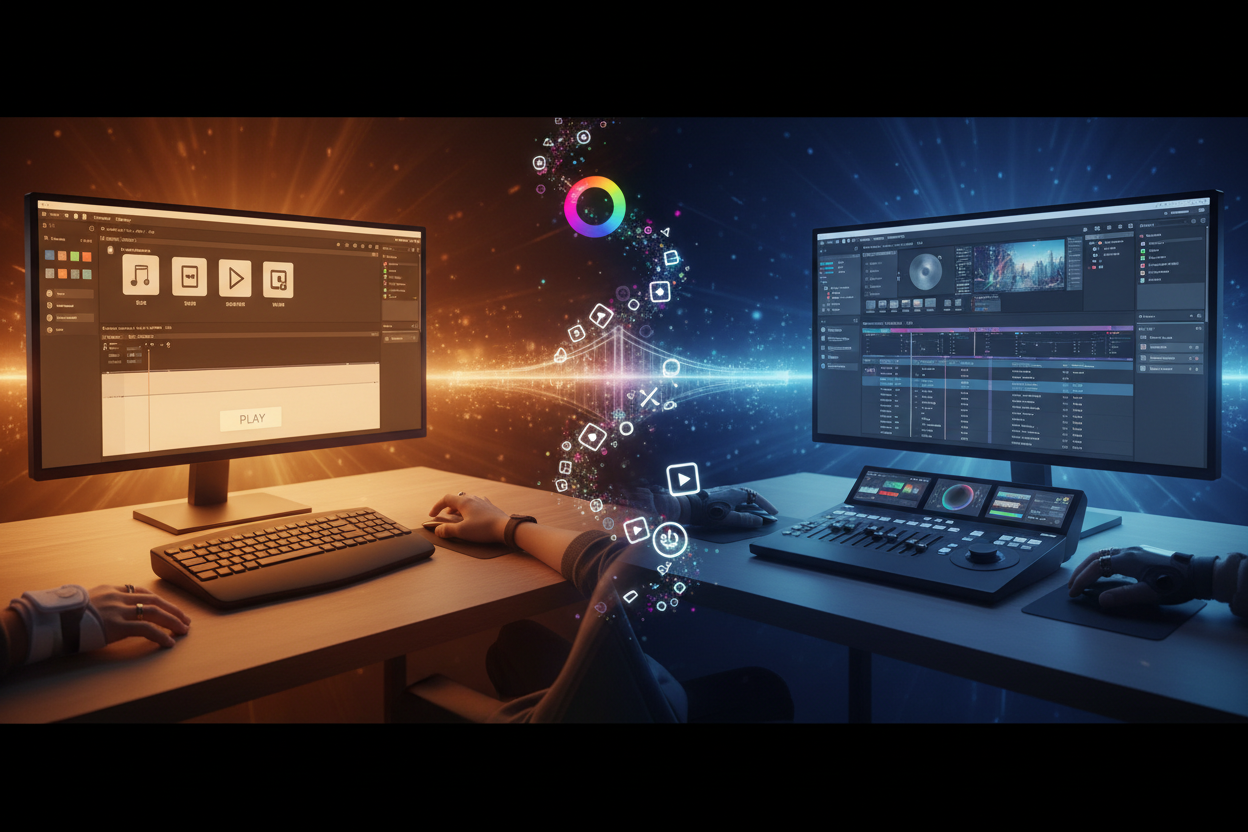
The interface design deserves special mention. Unlike many professional editing suites that can overwhelm new users with countless buttons and menus, CapCut Pro maintains a clean, intuitive layout. This doesn't mean the software lacks depth – quite the opposite. The streamlined design actually makes advanced features more accessible, allowing users to focus on creativity rather than wrestling with complicated interfaces.
Getting Started with Your CapCut Pro Trial
Beginning your CapCut Pro journey starts with understanding what the trial period offers. The trial isn't just a limited version of the full software – it's a complete experience designed to showcase the platform's capabilities. This approach reflects the company's confidence in their product and their understanding that users need time to explore and experiment.
Setting up your trial account is straightforward, but there are strategic ways to approach this process. First, ensure you have adequate storage space and a stable internet connection. CapCut Pro works with cloud-based assets, and while this offers tremendous flexibility, it requires reliable connectivity for optimal performance.
Before diving into your first project, take time to explore the template library. These aren't just basic templates – they're professionally designed starting points that can teach you about pacing, transitions, and visual storytelling. Even experienced editors often find inspiration in these templates, using them as springboards for more complex projects.
Essential Features Every Video Editor Should Master
The foundation of any great video editing experience lies in mastering the essential tools. CapCut Pro excels in providing these fundamentals while adding modern twists that enhance productivity and creativity.
Timeline management in CapCut Pro feels intuitive yet powerful. The magnetic timeline helps prevent accidental gaps in your footage, while the multi-track system allows for complex layering of video, audio, and effects. What's particularly impressive is how the software handles different frame rates and resolutions within the same project, automatically optimizing playback without requiring manual intervention.
Color correction and grading tools in CapCut Pro bridge the gap between automatic enhancement and professional control. The AI-powered auto-correction can instantly improve footage shot in challenging lighting conditions, while manual controls allow for precise adjustments. The real-time preview ensures you can see changes immediately, speeding up the creative process significantly.
Audio editing capabilities often determine whether a video feels amateur or professional. CapCut Pro's audio tools include noise reduction, audio ducking, and a surprisingly robust selection of royalty-free music and sound effects. The automatic audio synchronization feature is particularly useful for content creators who record audio and video separately.
Advanced Techniques for Professional Results
Moving beyond basic editing, CapCut Pro offers advanced features that can elevate your content to professional standards. These tools require more time to master but provide the creative flexibility that serious video editors demand.
Motion graphics and animation capabilities in CapCut Pro are more sophisticated than many users initially realize. The keyframe system allows for precise control over movement, opacity, and scale changes. Combined with the built-in text animation presets, you can create engaging lower thirds, title sequences, and call-to-action graphics without needing separate motion graphics software.
Green screen technology, or chroma keying, opens up endless creative possibilities. CapCut Pro's implementation is particularly user-friendly, with automatic edge detection that minimizes the manual cleanup often required in other software. The ability to add virtual backgrounds or composite multiple video sources creates opportunities for storytelling that would have required expensive equipment just a few years ago.
The effects library deserves special attention for its quality and variety. Rather than relying solely on flashy transitions that can date your content, CapCut Pro emphasizes subtle enhancements that improve visual appeal without overwhelming the story. The particle effects, lens flares, and atmospheric elements can add production value when used judiciously.
Optimizing Your Workflow for Maximum Efficiency
Professional video editing isn't just about knowing which buttons to press – it's about developing workflows that allow you to work efficiently while maintaining creative flow. CapCut Pro provides several features designed to streamline the editing process.
Project organization becomes crucial as you work on more complex videos. CapCut Pro's folder system and tagging capabilities help keep assets organized, while the proxy editing feature allows you to work smoothly with high-resolution footage even on less powerful computers. This is particularly valuable during the trial period when you want to test the software with your actual working files.
Collaboration features set CapCut Pro apart from many desktop editing applications. The ability to share projects with team members, leave comments on specific timeline points, and track revision history makes it an excellent choice for professional environments where multiple people contribute to the final product.
Keyboard shortcuts and customizable workspaces can dramatically improve your editing speed. While CapCut Pro comes with sensible defaults, taking time to customize these to match your working style pays dividends in long-term productivity. The software learns from your usage patterns and can suggest optimizations to your workflow.
Export Settings and Quality Optimization
Creating beautiful edits means little if the final export doesn't maintain quality or isn't optimized for its intended platform. CapCut Pro excels in providing export options that balance file size, quality, and compatibility across different platforms and devices.
The platform-specific export presets take the guesswork out of preparing content for social media. Whether you're creating content for Instagram Stories, YouTube, TikTok, or traditional broadcast, CapCut Pro automatically adjusts resolution, aspect ratio, and compression settings to ensure optimal results on each platform.
For users who need more control, the advanced export settings provide professional-level options including custom bitrates, codec selection, and metadata embedding. The real-time export preview helps you understand how compression will affect your final video quality before committing to the full render.
Batch export capabilities become invaluable when creating multiple versions of the same content. You can simultaneously export versions optimized for different platforms, saving significant time in content distribution workflows.
Making the Most of Your Trial Period
The CapCut Pro trial period is generous, but it's still limited. Maximizing this time requires a strategic approach that balances exploration with practical application to your real projects.
Start by recreating a project you've completed in other software. This approach allows you to compare workflows and identify where CapCut Pro might improve your efficiency. Pay attention to rendering times, ease of use for complex edits, and how well the software handles your typical file types and project requirements.
Experiment with features you wouldn't normally use. The trial period is perfect for exploring motion graphics, advanced color grading, or collaborative features that might enhance your future projects. Even if you don't immediately see applications for these tools, understanding their capabilities can inspire new creative directions.
Document your experience throughout the trial. Note which features save you time, which workflows feel more intuitive than your current software, and any limitations you encounter. This information becomes invaluable when deciding whether to subscribe after the trial period ends.
Conclusion: Transforming Your Video Editing Journey
The CapCut Pro trial represents more than just a free period to test software – it's an opportunity to reimagine your approach to video editing. The platform's combination of professional features, intuitive design, and modern workflow optimizations creates an environment where creativity can flourish without technical barriers.
Professional video editing has never been more accessible, yet the standards for quality continue to rise. CapCut Pro addresses this paradox by providing tools that are both powerful and approachable. Whether you're creating content for social media, producing marketing materials, or working on personal projects, the skills and techniques you develop during your trial period will serve you well regardless of which editing platform you ultimately choose.
The future of video editing lies in software that enhances human creativity rather than replacing it. CapCut Pro exemplifies this philosophy, providing intelligent assistance while maintaining the creative control that professionals demand. Your trial period is the first step in a journey that could transform not just how you edit videos, but how you think about visual storytelling itself.
Take advantage of every day of your trial, experiment boldly, and remember that the best video editing software is the one that helps you tell your stories most effectively. CapCut Pro might just be that tool for you.
0 Response to "Professional Video Editing: CapCut Pro Trial Masterclass"
Post a Comment