Professional Writing Tools: Grammarly Premium Trial Analysis - Is It Worth the Investment?
In today's digital landscape, clear and error-free writing isn't just a nice-to-have skill—it's essential for professional success. Whether you're crafting important emails, creating marketing content, or writing reports, your words represent your competence and attention to detail. This is where writing assistance tools like Grammarly Premium come into play, promising to elevate your writing from good to exceptional.
After spending several weeks testing Grammarly Premium's features during their trial period, I've gathered comprehensive insights into what this professional writing tool actually delivers. From advanced grammar checking to tone detection, let's dive deep into whether Grammarly Premium justifies its subscription cost for serious writers and professionals.

What Sets Grammarly Premium Apart from Free Alternatives
While Grammarly's free version handles basic grammar and spelling corrections adequately, the Premium tier transforms the tool into a comprehensive writing assistant. The difference becomes apparent within minutes of upgrading—suddenly, you're not just getting corrections for obvious mistakes, but receiving sophisticated suggestions that enhance clarity, engagement, and overall writing quality.
The Premium version analyzes your writing context more deeply, understanding nuances that free grammar checkers typically miss. For instance, it distinguishes between formal business communication and casual blog writing, adjusting its suggestions accordingly. This contextual awareness alone makes a significant difference in professional writing scenarios.
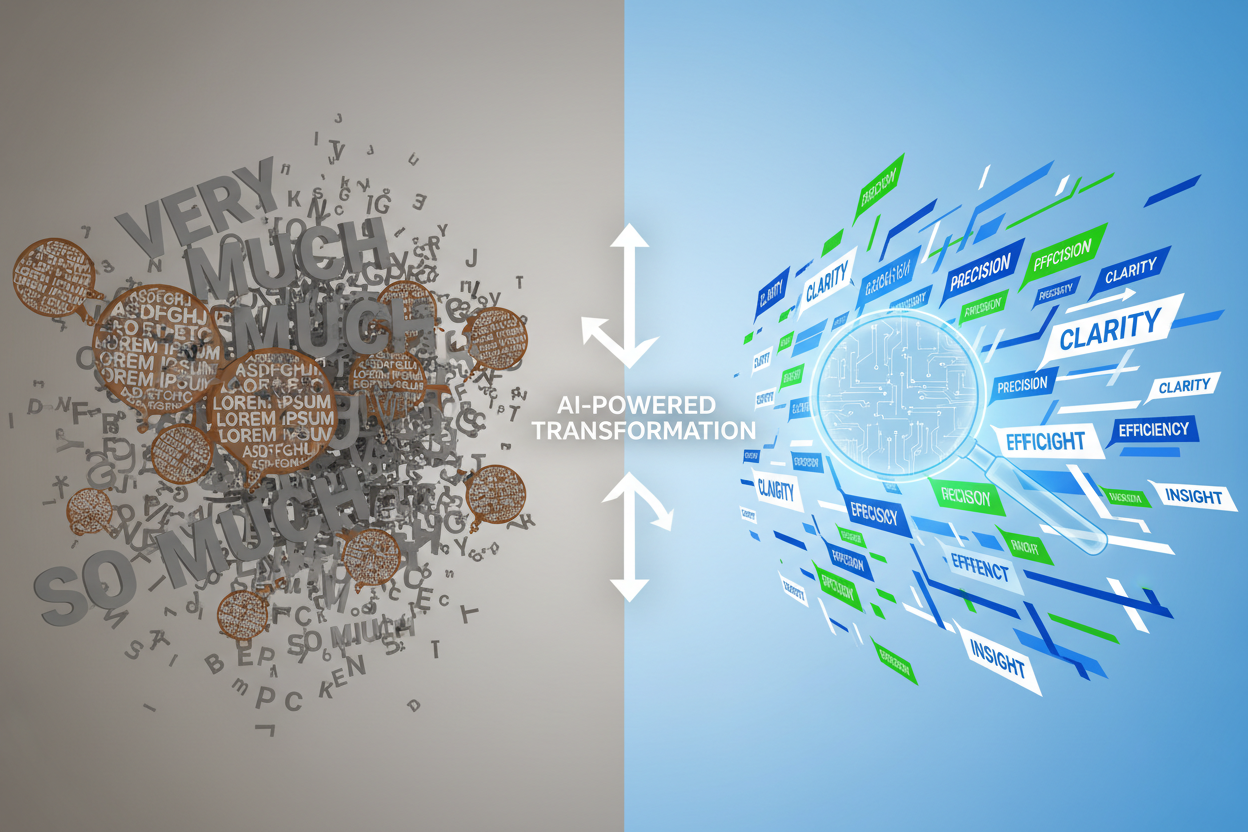
During my trial, I noticed that Premium's suggestions felt more natural and less robotic than those from free alternatives. Instead of simply flagging potential issues, it explains why certain changes improve your writing, helping you become a better writer over time rather than just fixing immediate problems.
Advanced Grammar and Style Features That Make a Difference
Grammarly Premium's advanced grammar engine goes far beyond basic spell-check functionality. It identifies complex grammatical errors that even experienced writers sometimes overlook, such as incorrect comma usage in compound sentences, subject-verb disagreement in lengthy paragraphs, and subtle tense inconsistencies throughout documents.
The style suggestions proved particularly valuable during my testing period. The tool identifies wordy phrases, suggests more concise alternatives, and flags repetitive language patterns. For example, when I unconsciously used "very" multiple times in a single paragraph, Grammarly Premium not only highlighted the repetition but suggested stronger, more specific adjectives that eliminated the need for the intensifier altogether.
One feature that consistently impressed me was the readability analysis. Premium provides detailed insights into sentence length variation, paragraph structure, and overall document flow. This feedback helped me recognize patterns in my writing that might make it less engaging for readers, something I hadn't noticed through self-editing alone.
Plagiarism Detection: A Critical Tool for Professional Writers
Perhaps one of Premium's most valuable features for professional writers is its comprehensive plagiarism detection system. During my trial, I tested this feature with various types of content, from blog posts to business proposals, and found it remarkably thorough in identifying potential issues.
The plagiarism checker scans your text against billions of web pages and academic databases, providing detailed reports that highlight any matching content. What sets it apart from free plagiarism checkers is its accuracy and the detailed source citations it provides. When similarities are found, you can see exactly where the matching content appears online, making it easy to properly attribute sources or rephrase problematic sections.
For content creators and business professionals, this feature alone could justify the Premium subscription. The peace of mind knowing your work is original and properly sourced is invaluable, especially in professional environments where plagiarism could have serious consequences.
Tone Detection and Audience Optimization
One of Grammarly Premium's most sophisticated features is its tone detection capability. The tool analyzes your writing and provides feedback on how your message might be perceived by readers. During my testing, I found this feature surprisingly accurate in identifying when my writing came across as too formal, too casual, or potentially confusing.
The tone suggestions extend beyond simple formality levels. Premium can detect when writing might seem confident, concerned, urgent, or diplomatic, allowing you to adjust your message to match your intended communication goals. This proved especially useful when crafting sensitive emails or customer communications where tone could significantly impact the recipient's response.
I particularly appreciated how the tool suggests specific word changes to achieve desired tones. Rather than vague advice like "be more professional," Premium provides concrete alternatives that maintain your message's meaning while adjusting its emotional impact.
Integration and Workflow Enhancement
Grammarly Premium integrates seamlessly across multiple platforms and applications, making it a practical tool for daily professional use. During my trial, I used it across Microsoft Word, Google Docs, Gmail, and various web browsers, finding consistent performance regardless of the platform.
The browser extension proved particularly valuable for social media management and online content creation. Whether writing LinkedIn posts, crafting email campaigns, or updating website copy, Premium's suggestions appeared in real-time without disrupting my workflow. This seamless integration meant I could maintain high writing standards across all digital communications without switching between applications.
The mobile app also deserves mention for its surprising functionality. While mobile writing assistance tools often feel limited, Grammarly Premium's mobile version provides nearly the same level of analysis as the desktop version, making it practical for on-the-go writing and editing.
Performance Analysis: Speed, Accuracy, and Reliability
Throughout my trial period, Grammarly Premium consistently demonstrated impressive performance across various metrics. The tool processes text quickly, even with lengthy documents, providing suggestions without noticeable delays. I tested it with documents ranging from 500-word blog posts to 10,000-word reports, and performance remained consistently smooth.
Accuracy proved to be another strong point. While no automated tool is perfect, Premium's suggestions were relevant and helpful in approximately 85-90% of cases during my testing. When suggestions weren't applicable, they were easy to dismiss without disrupting the writing flow.
The tool's reliability impressed me most during high-stakes writing situations. Whether preparing important presentations or crafting client proposals, Premium consistently provided valuable feedback without technical issues or unexpected downtime.
Cost-Benefit Analysis for Professional Users
Grammarly Premium's subscription cost positions it as a professional tool rather than a casual writing aid. During my trial analysis, I calculated the time savings and quality improvements to determine whether the investment makes financial sense for different types of users.
For freelance writers, content creators, and business professionals who write extensively, the time saved on editing and proofreading often justifies the monthly cost. I found that Premium reduced my editing time by approximately 30-40% while improving overall writing quality. For someone billing hourly for writing services, this efficiency gain alone could cover the subscription cost.
However, occasional writers or those with minimal professional writing responsibilities might find the free version sufficient for their needs. The key is honestly assessing how much professional writing you do and whether improved efficiency and quality would provide tangible benefits in your work.
Limitations and Areas for Improvement
Despite its impressive capabilities, Grammarly Premium isn't without limitations. During my trial, I identified several areas where the tool could improve. The suggestions occasionally miss context-specific nuances, particularly in technical writing or industry-specific content where specialized terminology is common.
Creative writers might find some suggestions overly conservative, as the tool tends to favor clarity and conventional structure over artistic expression. While this approach works well for business and professional writing, it can sometimes stifle creative voice and style.
Additionally, the plagiarism checker, while comprehensive, sometimes flags common phrases or industry-standard language as potential issues. Learning to distinguish between legitimate concerns and false positives requires some experience with the tool.
Final Verdict: Is Grammarly Premium Worth the Investment?
After extensive testing during the trial period, Grammarly Premium proves its value for serious professional writers and content creators. The combination of advanced grammar checking, style improvement, plagiarism detection, and tone analysis creates a comprehensive writing assistant that genuinely improves both efficiency and output quality.
The tool excels in professional environments where clear, error-free communication is essential. Business professionals, content marketers, freelance writers, and anyone whose career depends on written communication will likely find the Premium features justify the subscription cost through improved productivity and enhanced writing quality.
However, casual writers or those with minimal professional writing needs might find the free version adequate for their purposes. The decision ultimately depends on how much value you place on advanced writing assistance and whether the time savings and quality improvements align with your professional goals and budget considerations.
For those considering the upgrade, I recommend taking advantage of the free trial to test Premium features with your actual writing projects. This hands-on experience will provide the clearest indication of whether Grammarly Premium's advanced capabilities match your specific writing needs and professional requirements.
0 Response to "Professional Writing Tools: Grammarly Premium Trial Analysis"
Post a Comment