How to Get Canva Pro Free Trial in 2026: Complete Step-by-Step Guide
Looking to unlock Canva's premium features without breaking the bank? You're in the right place. Canva Pro has become an essential tool for content creators, marketers, and business owners who need professional-quality designs without the steep learning curve of complex software. The good news is that Canva offers multiple ways to access their premium features for free, and in 2026, these opportunities have expanded significantly.
Whether you're a small business owner trying to create stunning social media graphics, a student working on presentations, or a freelancer building your portfolio, getting access to Canva Pro's advanced features can make a world of difference in your design game. From background removal tools to premium templates and unlimited storage, Canva Pro offers features that can transform your creative projects from amateur to professional-looking in minutes.
In this comprehensive guide, I'll walk you through every legitimate method to access Canva Pro for free in 2026. We'll explore the traditional free trial, educational discounts, special promotions, and some lesser-known strategies that many users overlook. By the end of this article, you'll have multiple pathways to explore Canva Pro's full potential without spending a dime upfront.
Understanding Canva Pro: What You Get with Premium Access
Before diving into how to get free access, it's worth understanding what makes Canva Pro so valuable. The premium version transforms Canva from a basic design tool into a comprehensive creative suite that rivals much more expensive alternatives.
Canva Pro subscribers get access to over 100 million premium photos, videos, and graphics. That's a massive library compared to the free version's limited selection. You also unlock the magic resize feature, which lets you transform any design into different formats instantly. Imagine creating a social media post and then converting it to a presentation slide, business card, or poster with just one click.
The background remover tool alone is worth the subscription for many users. Instead of struggling with complex photo editing software, you can remove backgrounds from images in seconds. Add to this unlimited storage, the ability to create custom templates, and access to premium fonts, and you start to see why millions of users upgrade to Pro.
Brand Kit functionality is another game-changer, especially for businesses. You can save your brand colors, logos, and fonts, ensuring consistency across all your designs. For teams, the collaboration features allow multiple people to work on projects simultaneously, making it invaluable for marketing departments and creative agencies.
Method 1: The Standard Canva Pro Free Trial
The most straightforward way to access Canva Pro for free is through their standard 30-day free trial. This method works for new users who haven't previously subscribed to Canva Pro. The process is surprisingly simple, but there are some optimization strategies that many users miss.
Start by visiting Canva's official website and look for the "Try Canva Pro" button, which is usually prominently displayed on their homepage. Click this button and you'll be directed to create an account if you don't already have one. Use a valid email address that you haven't used for Canva before, as the system tracks previous trial usage.
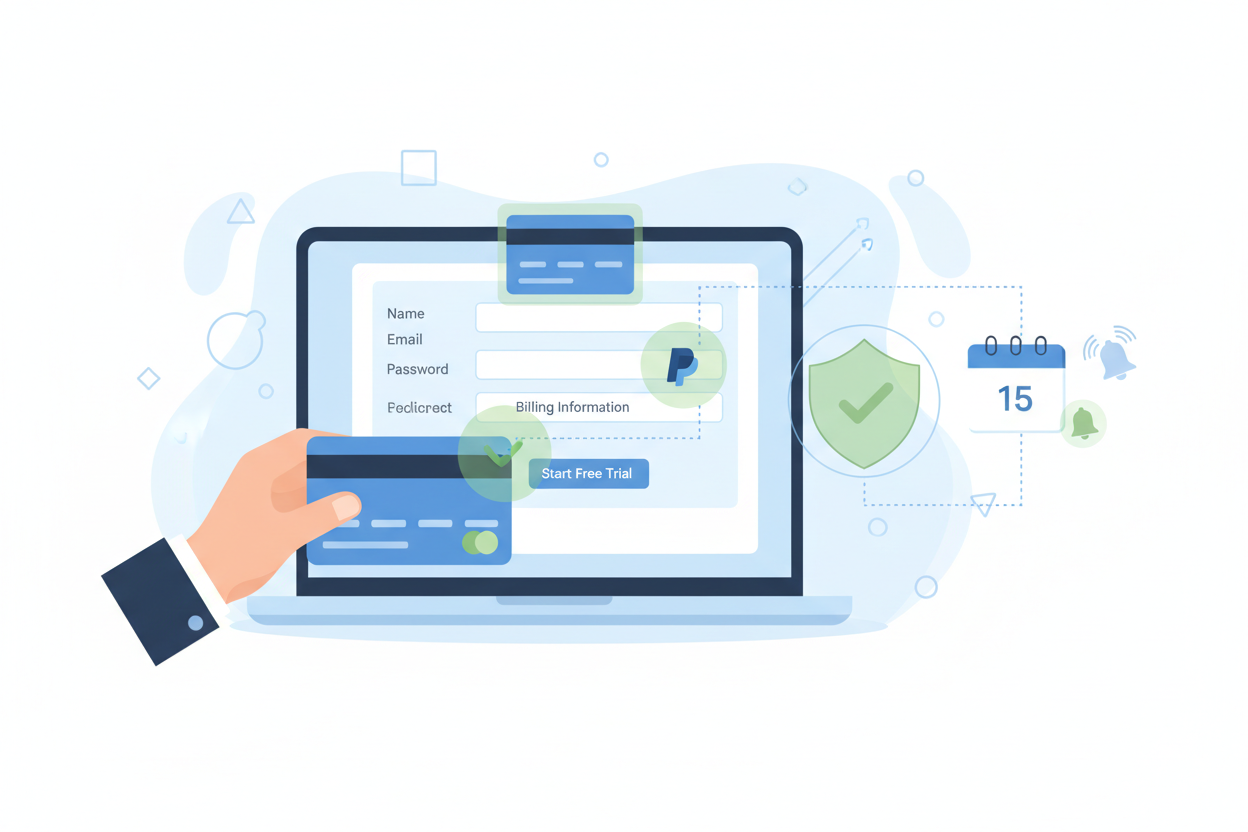
During the signup process, you'll need to provide payment information. Don't worry – you won't be charged during the trial period, but Canva requires this information to prevent abuse of their trial system. Use a valid credit card or PayPal account, and make sure to set a reminder to cancel before the trial ends if you don't want to continue with a paid subscription.
Here's a pro tip that many users overlook: start your trial when you know you'll have time to fully explore the features. Don't activate it on a busy week when you won't have time to experiment with the premium tools. The 30-day period goes by quickly, and you want to maximize your exploration time.
Once your trial is active, immediately download the Canva mobile app and log in with the same credentials. This gives you access to Canva Pro features on both desktop and mobile, maximizing the value of your trial period.
Method 2: Educational Discounts and Student Access
Students and educators have access to some of the best Canva Pro deals available. Canva for Education provides free access to many Pro features for verified students and teachers. This isn't just a trial – it's ongoing access as long as you maintain your educational status.
To qualify for Canva for Education, you need a valid .edu email address or equivalent educational institution email. The verification process typically takes 24-48 hours, during which Canva confirms your educational status. Once approved, you'll have access to premium templates, the background remover, and many other Pro features.
Teachers can create classroom accounts that give their students access to premium features for educational projects. This is particularly valuable for graphic design courses, marketing classes, or any curriculum that involves visual communication. The educational version also includes additional safety features and content filtering appropriate for classroom environments.
Even if you're not currently enrolled in a formal educational program, many online course platforms and educational websites provide .edu email addresses to their students. Check with any online universities, community colleges, or certification programs you might be enrolled in – you might already qualify without realizing it.
Method 3: Nonprofit Organization Benefits
Canva offers significant discounts and sometimes free access to qualified nonprofit organizations. If you work for or volunteer with a registered nonprofit, this could be your pathway to free Canva Pro access.
The application process for nonprofit access requires documentation proving your organization's nonprofit status. This typically includes your organization's tax-exempt documentation and proof of your association with the organization. The approval process can take several weeks, so plan accordingly if you need access for a specific project or deadline.
Qualified nonprofits often receive not just free Canva Pro access, but also additional features designed specifically for nonprofit marketing and fundraising. These include templates for donation campaigns, volunteer recruitment materials, and event promotion designs.
Even if you're not directly employed by a nonprofit, consider whether you volunteer regularly with any qualifying organizations. Many nonprofits are happy to provide documentation for active volunteers who need design tools for organizational projects.
Method 4: Promotional Campaigns and Special Offers
Canva regularly runs promotional campaigns that extend free trial periods or offer discounted subscriptions. These promotions often coincide with major holidays, back-to-school seasons, or significant company milestones. Staying informed about these opportunities can significantly extend your free access period.
Follow Canva's official social media accounts and subscribe to their newsletter to stay updated on promotional offers. They often announce flash sales or extended trial periods through these channels first. Additionally, tech deal websites frequently feature Canva promotions, sometimes offering longer trial periods or significant discounts.
Partnership promotions are another avenue to explore. Canva sometimes partners with other software companies, educational platforms, or business tools to offer extended trials. If you use other business software, check whether they have any current partnerships with Canva that might benefit you.
Seasonal promotions tend to be the most generous. Black Friday, Cyber Monday, and New Year promotions often include extended trial periods or heavily discounted annual subscriptions that can work out to be nearly free for the first few months.
Method 5: Referral Programs and Community Benefits
Canva's referral program can provide extended access to premium features, though the specific benefits change periodically. When you refer friends or colleagues who sign up for Canva Pro, both you and your referral often receive benefits such as extended trial periods or account credits.
The key to maximizing referral benefits is timing. Coordinate with friends or colleagues who are also interested in trying Canva Pro. By referring each other strategically, you can often extend your combined free access periods significantly.
Some online communities and forums dedicated to design, marketing, or small business also share referral codes that provide enhanced trial benefits. While you should always be cautious about using codes from unofficial sources, legitimate community-shared referrals can sometimes offer better terms than the standard trial.
Professional associations and business groups sometimes negotiate group access to design tools like Canva Pro. Check whether any professional organizations you belong to have negotiated member benefits that include design software access.
Maximizing Your Free Trial Experience
Once you've secured free access to Canva Pro, the key is maximizing the value of your trial period. Start by exploring the features that would be most valuable for your specific needs. If you're a social media manager, focus on the resize tools and premium templates. If you're creating marketing materials, explore the brand kit functionality and premium photo library.
Create templates during your trial period that you can continue using even after your Pro access expires. While you won't be able to edit these templates without Pro access, you can still use them as inspiration or starting points for future designs. Download any designs you create in high resolution while you have Pro access.
Take advantage of the learning resources available during your trial. Canva offers tutorials, webinars, and design courses that can improve your skills regardless of which version you ultimately use. The knowledge you gain during your trial period will benefit your design work long after the trial ends.
Experiment with features you might not initially consider essential. The animation tools, video editing capabilities, and advanced text effects might reveal new creative possibilities for your projects. Many users discover that features they initially overlooked become essential parts of their workflow.
What to Do When Your Free Trial Ends
As your free trial approaches its end, you have several options depending on your experience and needs. If you've found Canva Pro indispensable, the subscription cost might be justified by the time and effort it saves you. Many users find that the productivity gains from Pro features more than offset the monthly subscription cost.
If the full Pro subscription isn't in your budget, consider the timing of your subscription carefully. Canva often offers discounts to users whose trials are ending, sometimes providing the first few months at reduced rates. Additionally, annual subscriptions typically offer significant savings compared to monthly billing.
For users who only occasionally need Pro features, consider the strategic use of multiple trial methods. While you shouldn't abuse Canva's trial system, legitimately using different pathways (educational, nonprofit, promotional) over time can provide periodic access to premium features when you need them most.
Remember that Canva's free version is still incredibly powerful and sufficient for many users' needs. The trial experience will help you determine which Pro features are truly essential for your workflow versus which ones are nice-to-have conveniences.
Conclusion
Getting free access to Canva Pro in 2026 is more achievable than ever, with multiple legitimate pathways available depending on your circumstances. Whether you're a student taking advantage of educational benefits, a nonprofit worker accessing organizational discounts, or simply someone making the most of promotional offers, there are numerous ways to explore Canva Pro's premium features without immediate financial commitment.
The key is approaching your free trial strategically. Plan your trial timing, maximize your exploration of premium features, and create lasting value that extends beyond the trial period. Remember that the goal isn't just to get free access, but to determine whether Canva Pro's features provide enough value to justify the eventual subscription cost.
As design tools become increasingly important for businesses and individuals alike, having temporary access to professional-grade features can be invaluable for important projects, learning new skills, or simply exploring creative possibilities. Use the methods outlined in this guide responsibly, and you'll be well-equipped to make the most of Canva Pro's capabilities while determining whether it's the right long-term investment for your creative needs.
0 Response to "How to Get Canva Pro Free Trial in 2026: Complete Step-by-Step Guide"
Post a Comment